How It Works
Create great looking charts in just a few simple steps.
1
Choose Your Chart Type
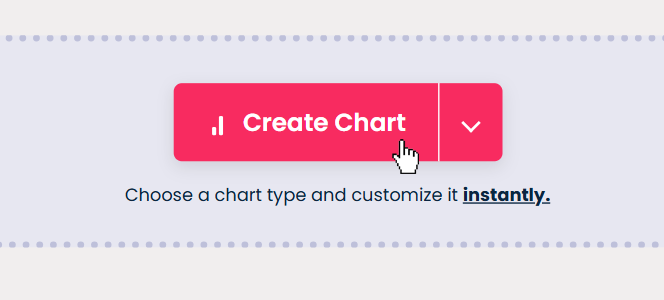
On the home page, click on the button that says "Create Chart".
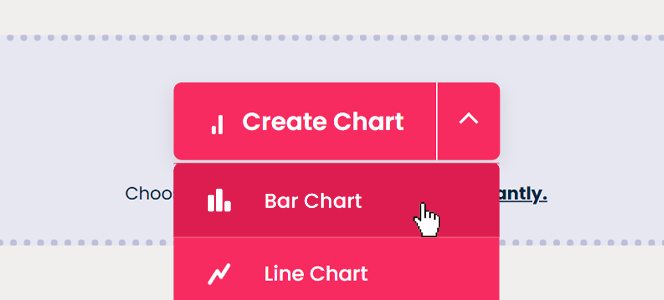
A dropdown menu will appear where you can select from various chart types to create.
2
Customize Your Chart
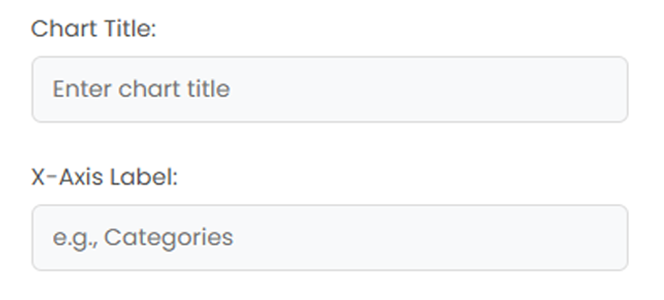
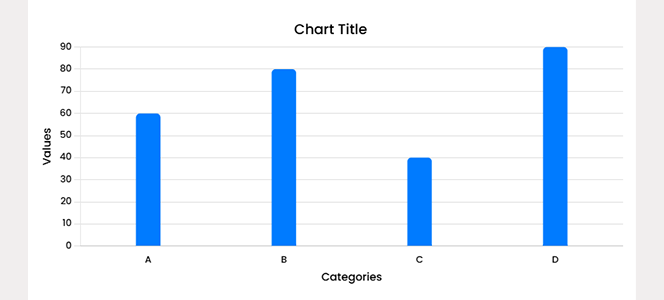
Use our intuitive editor to input your data and customize the appearance.
Adjust colors, labels, axes, and other visual elements to match your needs.
3
Download or Copy To Clipboard
Export your chart as PNG or copy the image to clipboard with one click.
Use it in presentations, reports, or share directly with your team.
No Sign-Up Needed
Create and export charts instantly, no account required.
Works Everywhere
Use on any device — phone, tablet, or desktop.
No Watermarks
Your charts stay clean and unbranded — completely for free.